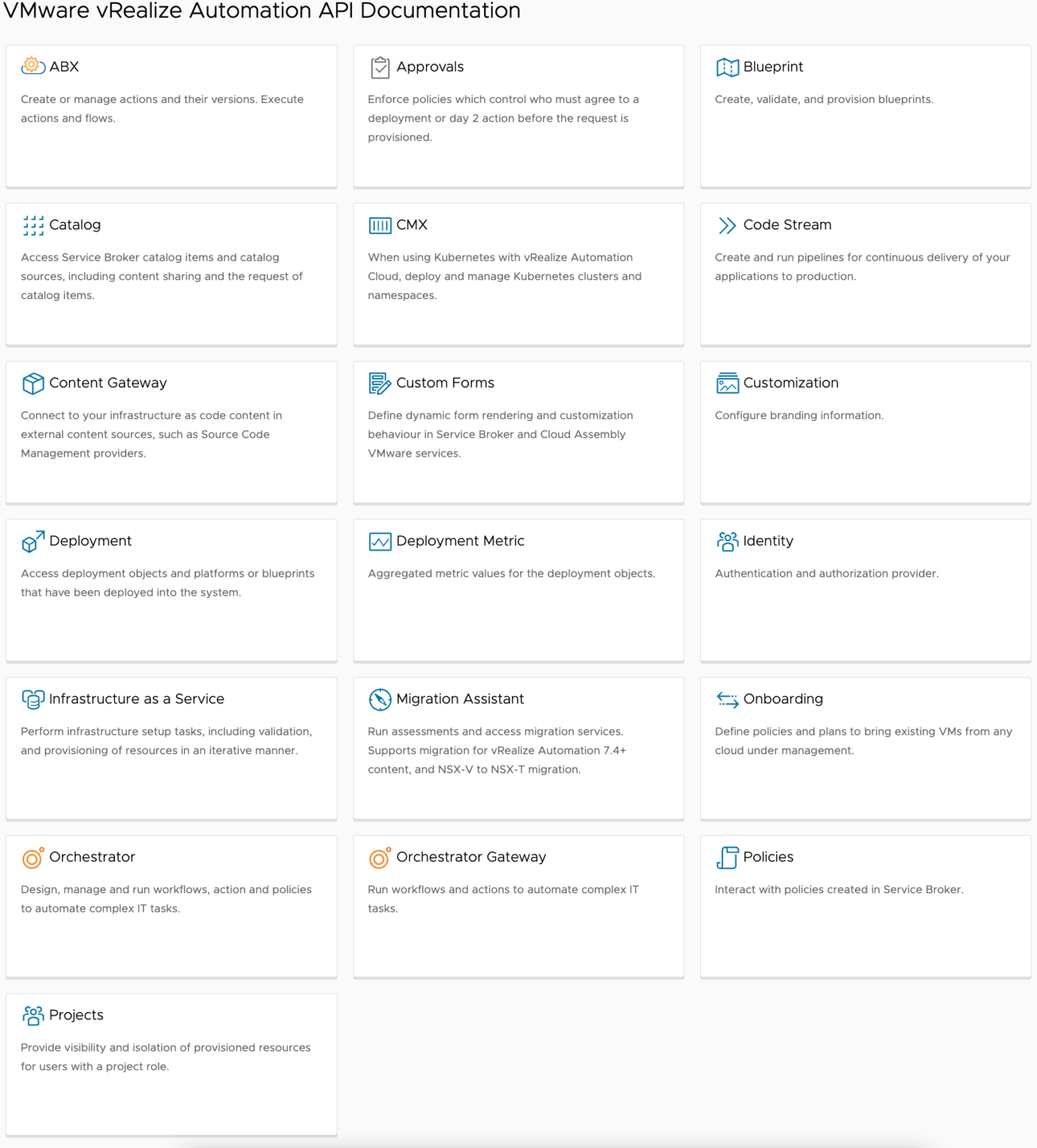
I’m working on a project that requires direct interaction with the vRO API from a third party system. Maybe I’m getting less effective at using Google in my old age, but I had a heck of a time finding good solid code for authenticating to the API using anything, including PowerShell.
Typically I’d use Invoke-vRARestMethod from PowerVRA for this, but unfortunately I had some additional requirements that mandate me using a bearer token.
I’ve been spending a lot of time lately thinking about how organizations can provide services can operationalize the principles behind Infrastructure as Code in a way that’s accessible. In my experience, if a tool isn’t easy to use, it won’t be used. This is one of the biggest barriers to organizations (and companies that provide services, like mine) benefiting from IaC. It’s my intention that this script will achieve a high level of usability and will also generate and consume reusable code for future use.
Imagine you have an environment that has hundreds of VLANs. When you build a new cluster, there’s a real possibility that one host out of many is mis-configured on just a single port group or VLAN. It’s a pretty simple issue, but it’s like finding a needle in a haystack. Because of that, it’s incredibly difficult to troubleshoot, so I wrote a script to run through every ESXi host, and test connectivity on each port group.
If you haven’t used RVTools before, I’d definitely suggest taking a look. In case you’re one of the few that has not used it, it’s a quick tool to generate a point-in-time report of the inventory/configuration/health of a vSphere environment. While it’s one of the best tools out there for a quick and dirty report of an environment, the challenge I often face is that it outputs too much data. The other challenge I’ve faced is that it’s incredibly difficult to combine and analyze data from multiple outputs.
I’m not sure why it’s been so hard to find a snippet online that gives me the ability to create a linked clone while selecting a static IP address, but it was. I ended up writing a quick function to help.
I’ve been working on a project that uses the -runasync parameter on the move-vm cmdlet. The obvious problem with running jobs asynchronously is that you lose the ability to determine the status of whatever task as soon as you submit it.
I’m working on a project right now that requires me to do a shared nothing cross vCenter vMotion of about 6K VMs. As you might know, cross vCenter vMotion requires you to specify the ESXi host and the Datastore your VM will live in within the target vCenter; no targeting a cluster of any kind. This brings up some interesting challenges when trying to automate the migration of such a large amount of VMs. One in particular, is the need to target the ESXi host that has the most free space. I am using the function below to do just this – hopefully it helps!
I recently encountered an issue in vSphere 5.5 where I wasn’t able to change the interface speed on an ESXi host from auto-negotiate to anything else. After a good amount of troubleshooting I was able to determine that this issue was occurring due to the fact that the NIC firmware version and driver version on a blade server was out of date. VMware has a good KB article on how to grab the firmware and driver versions that I followed. However, the problem is that even on the most modest ESXi host that isn’t running 10G to it, you’ll likely have a minimum of 4 NICs on it. This means that you’ll have to enable SSH on every host you want to check, run one command per NIC each of them (or run a one line script that loops through them, but will that really save you time..?). It doesn’t take a very large cluster for that to become a very large endeavor.
This PowerShell script will connect to a vCenter server, allow you to scan all ESXi hosts, or only hosts within a particular cluster, and output the results in object format so that you can manipulate them how you wish.
I like having documentation, but I hate creating documentation. I’ll be the first to admit that I’m slightly lazy at times, however, my own personal preferences for what I’ll call “Effort Allocation”, are not the root of my dislike for creating documentation. The issue really stems from the fact that creating it is very time consuming, tedious, and usually lower on the priority list.
However, sometimes it’s not you that failed to create the documentation. Consultants frequently fall into this category.
The issue I’m handling here is documenting CDP information from the perspective of ESXi hosts using PowerCLI.